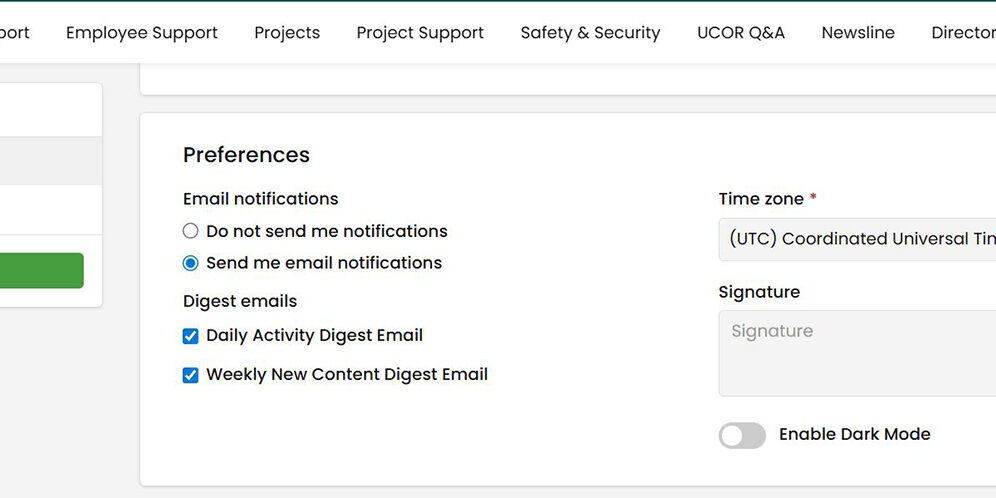
In UCOR Hub, user preferences let you control how you receive notifications, your time zone and date format, and whether you’d like to use Dark Mode. You can access your User Preferences by going to your My Apps and Tools. You will find “Preferences” under “Edit Profile” in the Personal Settings at the bottom of that dropdown menu.
UCOR
Oak Ridge Environmental Cleanup & Management Contractor